Skip to content

CamAllScanner

Scan documents, edit PDFs and keep every file organized.

CamAllScanner finds the edges of a page, captures a clean scan and turns it into a PDF. Merge, split, compress and password-protect PDFs, search the text inside your scans, and lock sensitive files in a secure vault.

  • Coming soon to Google Play
  • Coming soon to App Store
  • Automatic edge detection
  • Search text in scans
  • Works offline
  • No ads
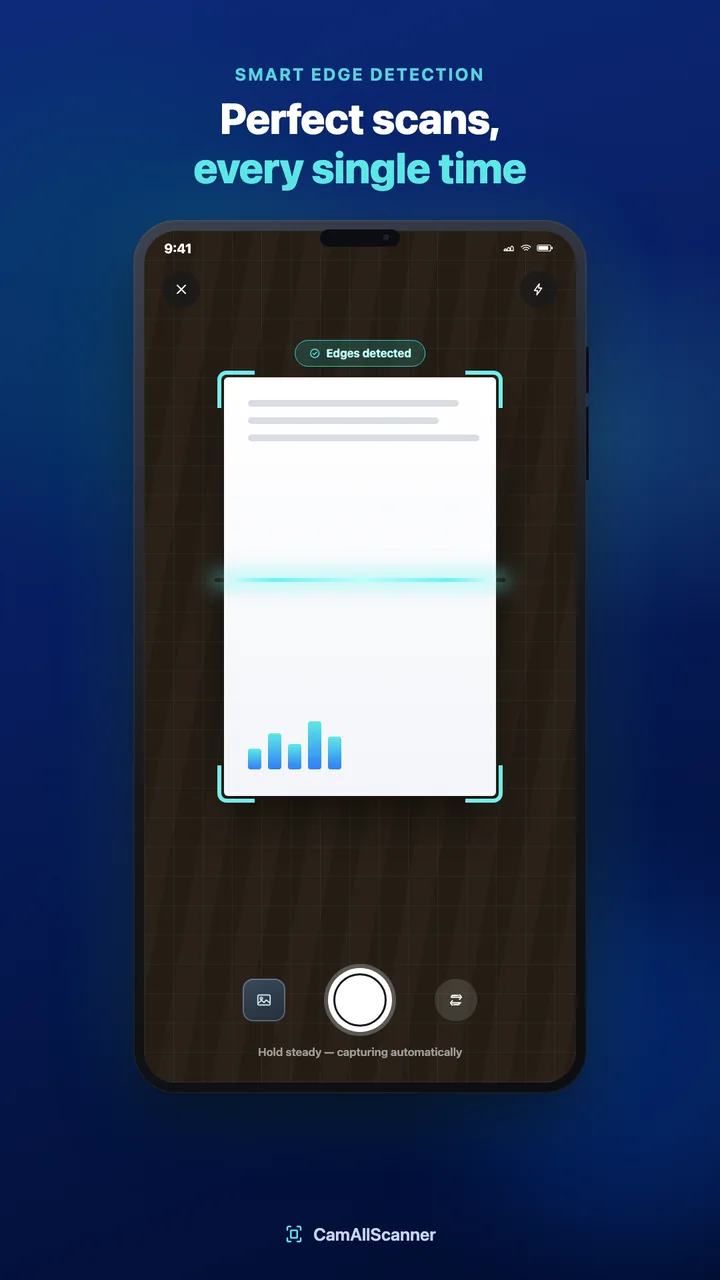
CamAllScanner camera detecting the edges of a document

Clean scans, captured for you

Point your camera at a page and CamAllScanner detects its edges. Hold steady and it captures automatically, or import photos you already have.
  • Smart edge detection
  • Automatic capture
  • Import images from your gallery
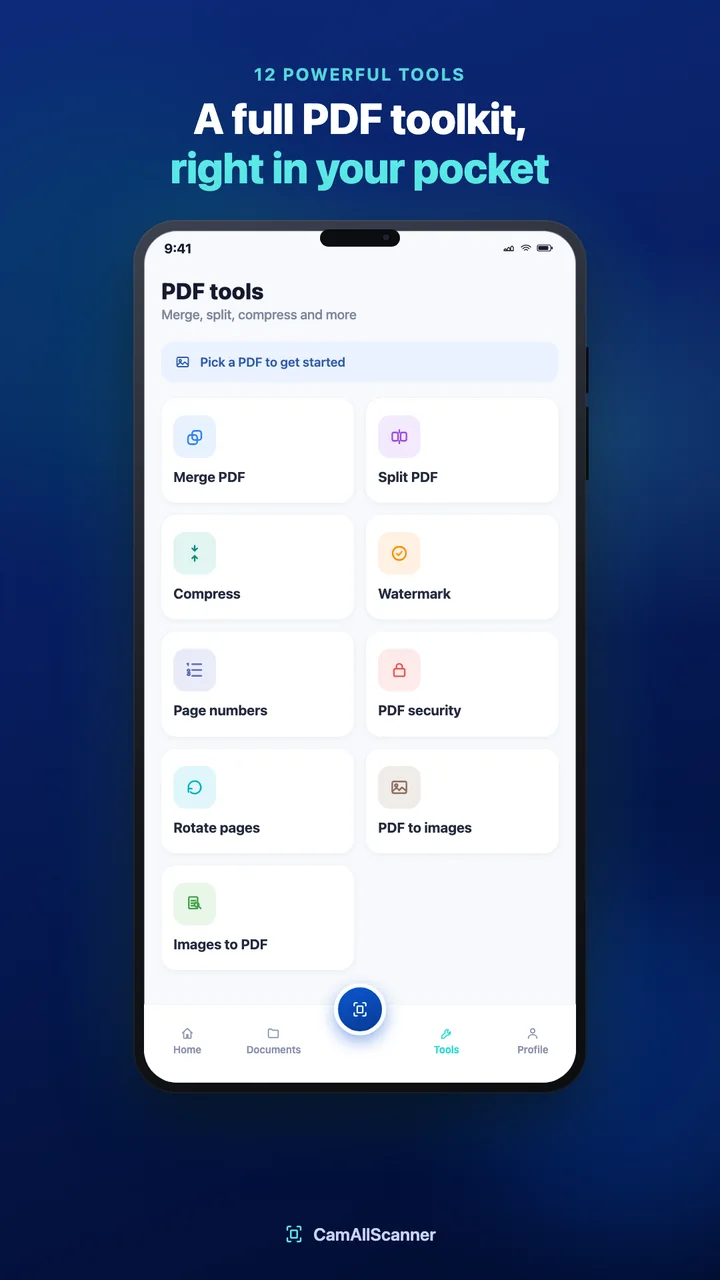
CamAllScanner PDF tools screen with merge, split, compress and more

A full PDF toolkit in your pocket

Everything you usually need a computer for, done on your phone in a couple of taps.
  • Merge, split and compress PDFs
  • Add watermarks and page numbers
  • Password-protect PDFs
  • Rotate pages, convert PDFs to images and images to PDF
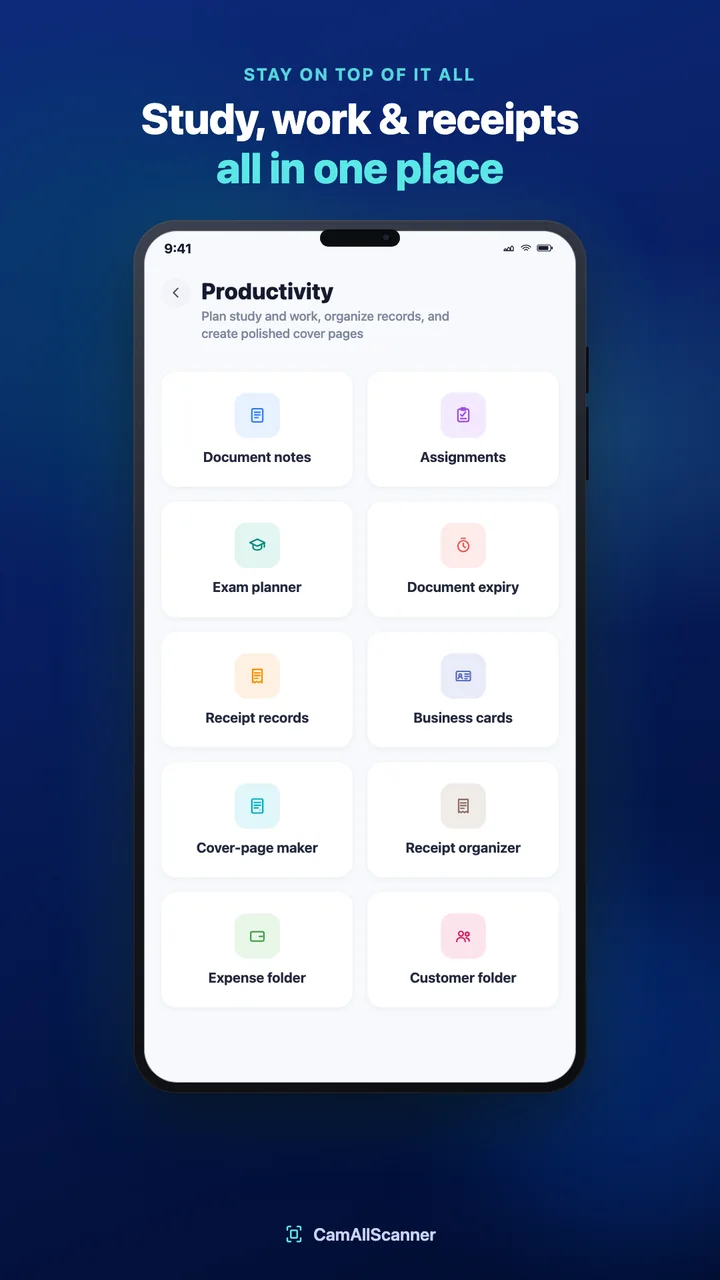
CamAllScanner productivity tools for study, work and receipts

Study, work and receipts in one place

Plan study and work, keep records in order and make polished cover pages without switching apps.
  • Document notes, assignments and an exam planner
  • Track document expiry dates
  • Receipt records, expense and customer folders
  • Business cards and a cover-page maker
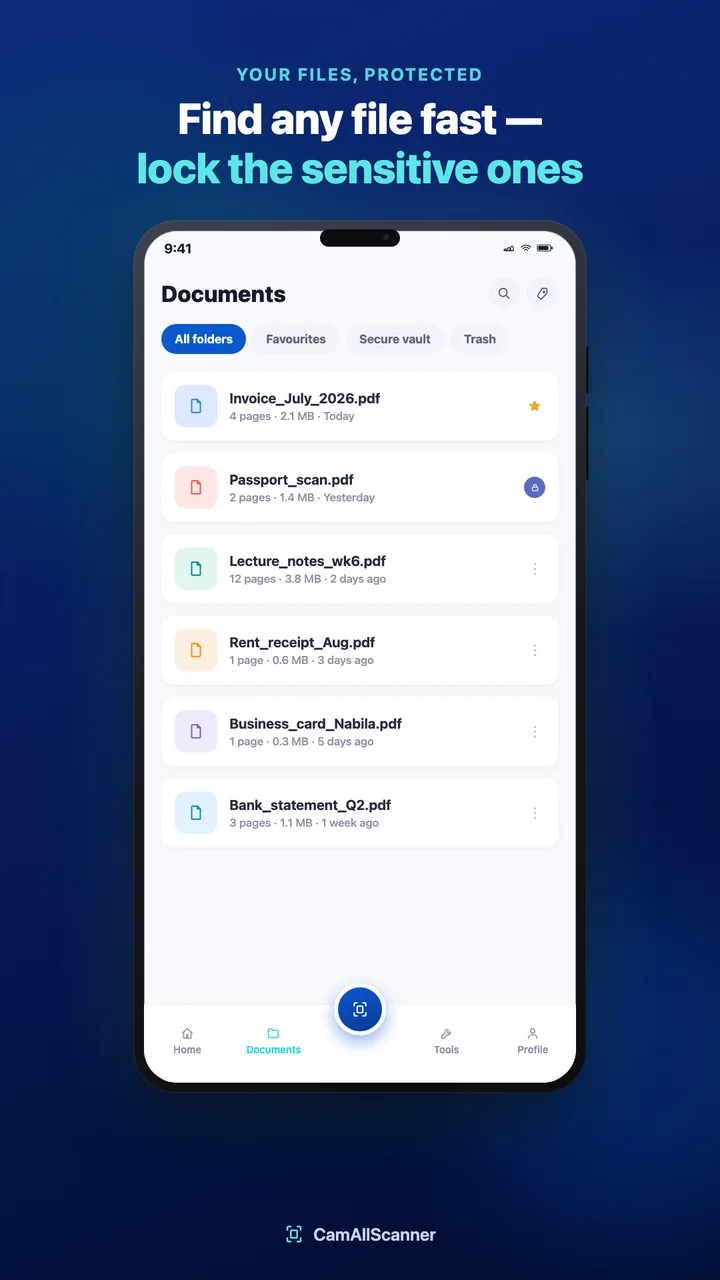
CamAllScanner documents list with favourites, secure vault and trash

Find any file fast, lock the sensitive ones

Search by name or by the text inside your scans, star favourites, and move passports, statements and IDs into the secure vault.

  • Search documents and scanned text
  • Favourites and trash
  • Secure vault for sensitive documents

Everything in CamAllScanner

  • Document scanning with edge detection
  • Import images
  • Create PDF
  • Search documents and scanned text
  • Merge and split PDF
  • Compress PDF
  • Watermark and page numbers
  • PDF password security
  • Rotate pages
  • PDF to images and images to PDF
  • Document notes and assignments
  • Exam planner
  • Document expiry tracking
  • Receipt records and organizer
  • Business cards
  • Cover-page maker
  • Expense and customer folders
  • Favourites, secure vault and trash

Questions people ask

Are my scans uploaded anywhere?

No. Your scans, PDFs, recognized text and everything you organize stay on your device. The app only sends anonymous usage statistics and crash reports through Firebase, and these never include your documents.

Can I search the text inside a scan?

Yes. Search looks through document names and the text recognized in your scans, and the text recognition runs on your phone.

How do I protect sensitive documents?

Move them into the secure vault, or add a password to a PDF with the PDF security tool before you share it.

Do I need an account?

No. Open the app and start scanning. There is nothing to sign up for.

Get CamAllScanner

Scan documents, edit and export PDFs, and keep study, work and receipts organized in one app.

  • Coming soon to Google Play
  • Coming soon to App Store

Need help with the app? Contact support